Make it yours
Playing with Yappie
Squish it, tickle it, stretch it, and let it show you the things it keeps.
Yappie is not only a progress bar with a face. It reacts when you touch it, it can watch your cursor, and when you leave it alone on the Focus tab it goes rummaging through its things. None of it is worth points and none of it can be lost. It is there because a companion you never touch isn't much of a companion.
Touch it
Everything here happens on the pet itself, on the Focus tab. The empty space around it is not the pet, so a stray click on the page does nothing.
- Click for a squish and a bounce back up. There are four variations, so repeats never feel canned.
- Tap fast, three taps in about a second and a half, and it breaks into a giggling wobble.
- Press and hold to poke a dent into it. The surface gives way under your finger and springs back.
- Grab a cheek and drag to stretch it like jelly. It resists more the further you pull, then wobbles home.
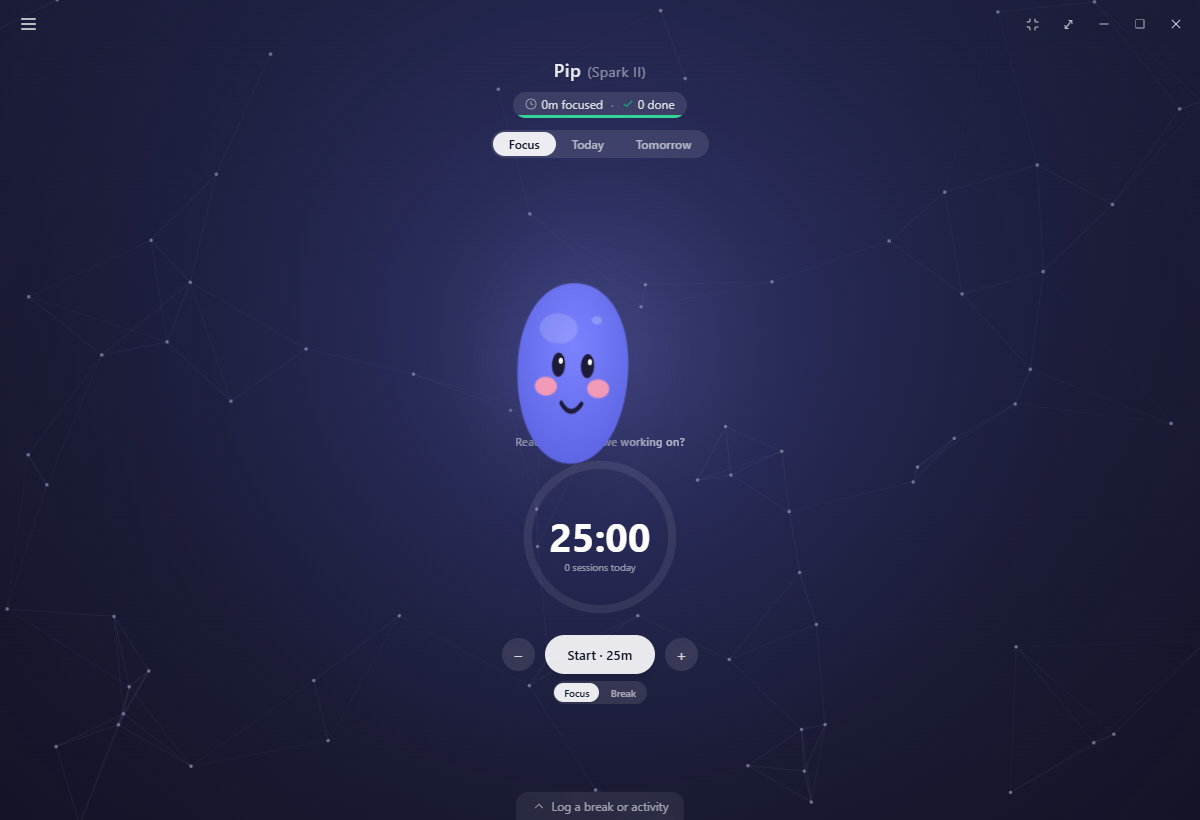
The same touches land during a focus session, calmer and slower, so playing with your pet mid-session is a small thing rather than a distraction. If your system asks for reduced motion, all of it settles down to a brief expression change instead of a deformation.
On mobile the same four reactions are there under your finger, with the same squish, tickle, poke and stretch.
A tired Yappie still squishes when you play with it, but it won't smile or blush back. That is the tell that its energy is low and it wants a break, not a game.
Eyes that follow you
Eyes follow the cursor is off by default. Turn it on in Pet customization, next to the adapt-face toggles.
With it on, your pet's eyes swap to a white-eyeball-and-pupil look and track your mouse whenever it comes near, within a personal space around the pet rather than the whole window. The premium pet's face is drawn as one piece, so instead of moving its eyes it nudges its whole face toward you.
Three rules keep it out of the way: it rests during a focus session, a pat or a grab always takes priority over the gaze, and it stays centred under reduced motion. It works on the Focus tab and in the popped-out companion.
Like the adapt-face switches, this setting is device-local. It never syncs.
The things Yappie keeps
Sit on the Focus tab with nothing running and, after a minute or so, Yappie will dig out one of its keepsakes, hold it up, pull a face to suit, and type out a line about it where the status text usually sits.
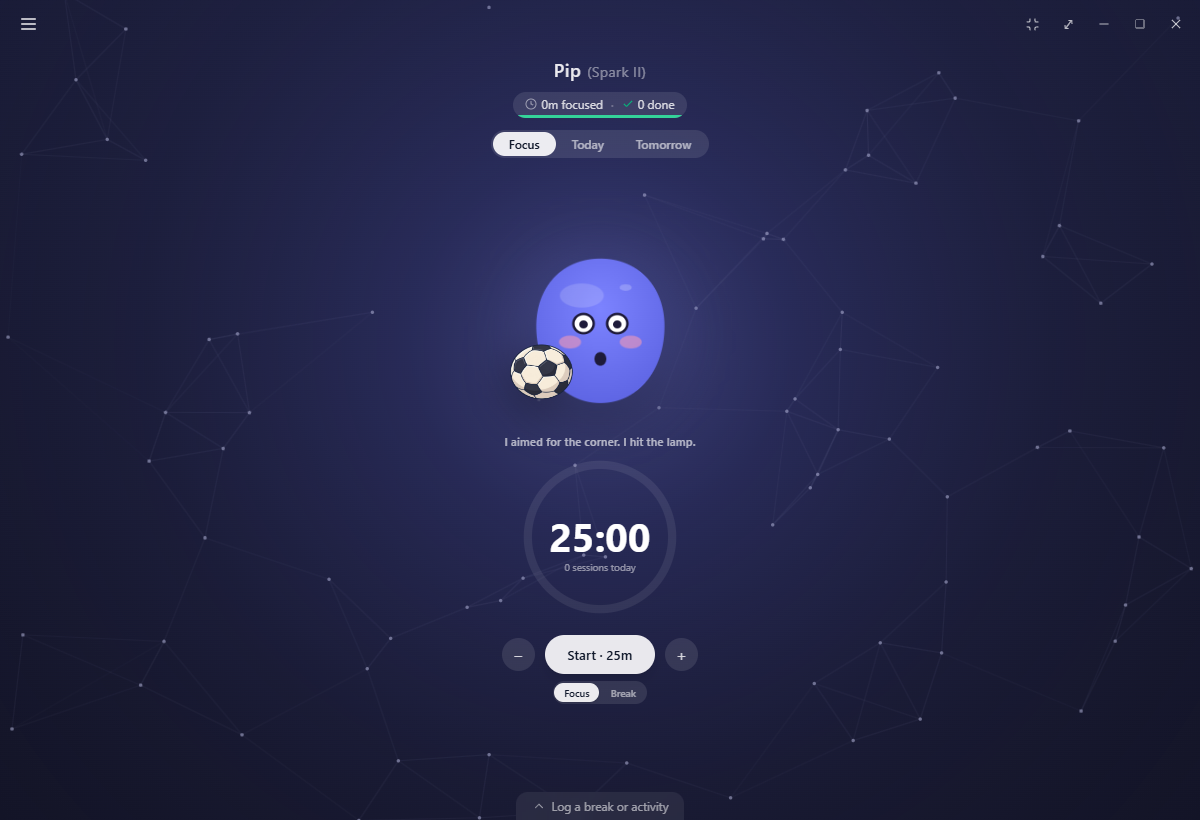
There are 63 objects, each with its own hand-drawn animation and three things to say, in all 25 languages. The watering can tips and pours. The hourglass runs its sand. The toy car revs and scoots. Seventeen of them move Yappie as well, not only the object.
The first one comes out roughly a minute after you settle, and another every few minutes after that. Each stays for about thirty seconds, or vanishes the instant you start a session, switch tabs or open a page.
Which object it brings is a small lottery. Three times in ten it brings out your keepsake, the one it gave you when you set Yappie up, with its own set of lines about the gift rather than the thing. Four times in ten it is something from a topic you picked. The other three times it is something from a topic you didn't, so the objects stay a bit surprising instead of only mirroring your list back at you.
Your keepsake
During setup Yappie asks what you love, then goes rummaging and hands you one thing from its collection, drawn from a topic you picked. Pick no topics and you get the pebble, which is a fair thing for a small round creature to have kept.
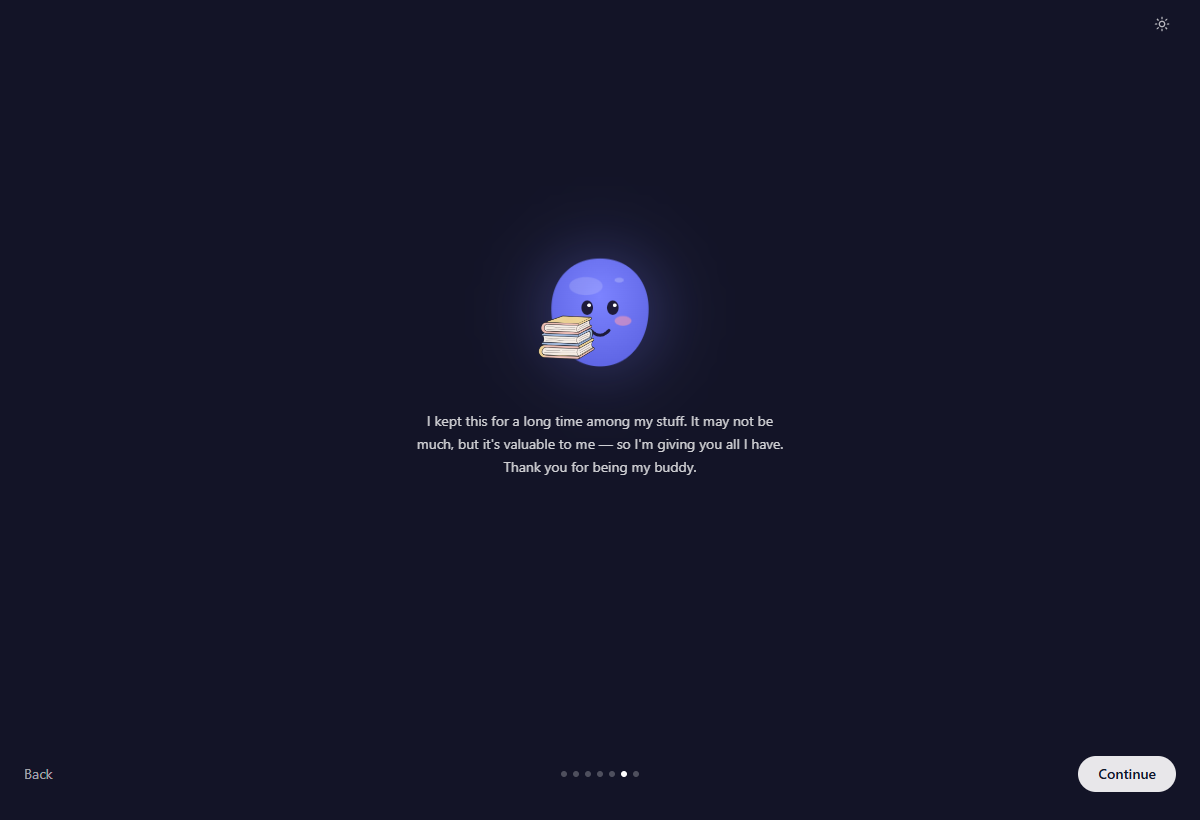
The gift is recorded on your account, not on the machine. Set Yappie up on a second device and it will not hand you a new one. It recognises the old one and gives it back to you: "You remember this?"
The topics themselves live in Settings → AI, where all 30 of them can be changed whenever you like. See The AI companion.
When it stays quiet
The keepsake play is the lowest-priority thing on the screen and yields to everything else. It will not appear:
- while a focus or break session is running,
- on a rest day, because a day off means the pet is resting too,
- in minimalist mode, or while any page is open over the Focus tab,
- behind a thought bubble, a celebration, a cheer arriving, or a break offer,
- during a one-on-one co-focus, where the stage already has two pets on it,
- during first-run setup or the first guided tour.
Popped out into the floating companion, Yappie still brings things out, but silently, since there is no room for a sentence in a window that small.
Next: Customize your pet for the toggles and the wardrobe, and Yappie's energy for what a tired pet means.
Last updated October 21, 2026