Focus & tasks
Focus sessions
The timer, the break Yappie offers afterwards, and why stopping early never costs you the minutes.
A focus session is one stretch of work with a clock on it. You pick a length, press Start, and Yappie sits beside a countdown ring until the time is up. That is the whole idea. Everything else on this page exists so that nothing you actually do gets lost along the way.
The timer, your lists and everything else in this section are free, with or without an account.
The focus screen
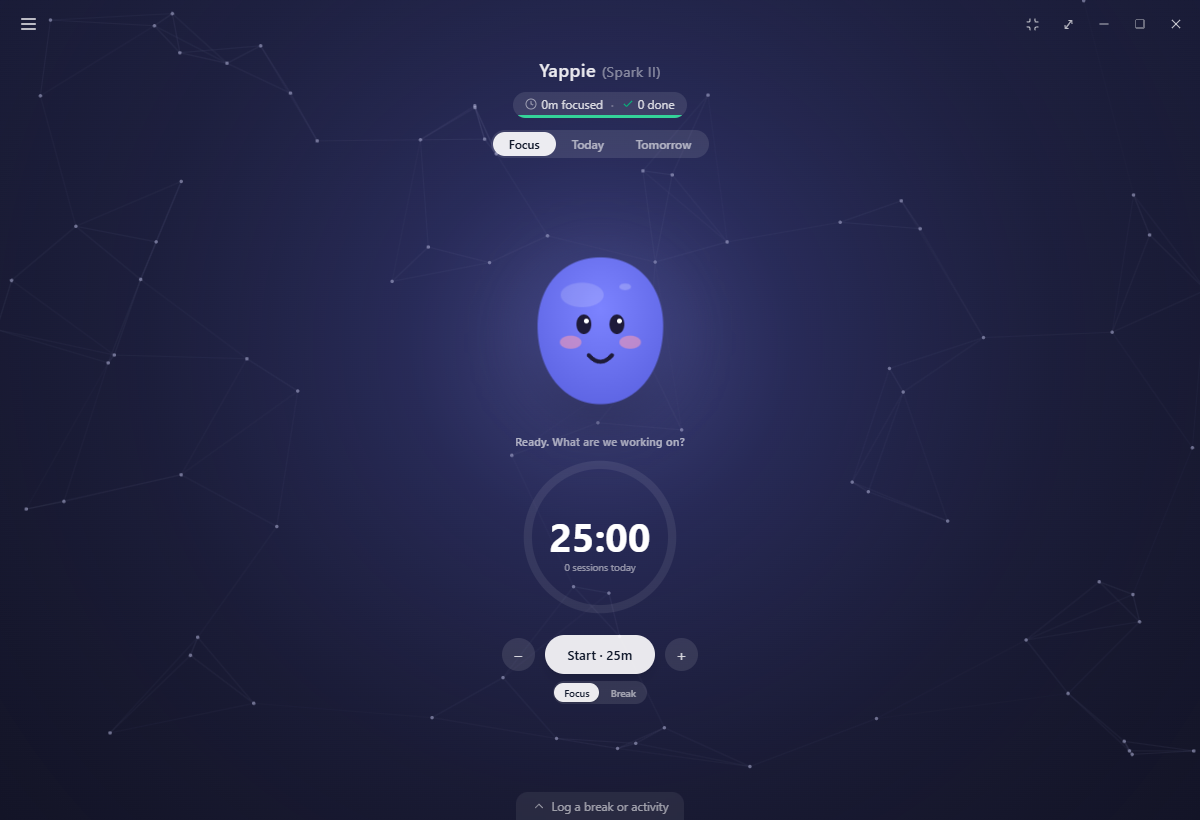
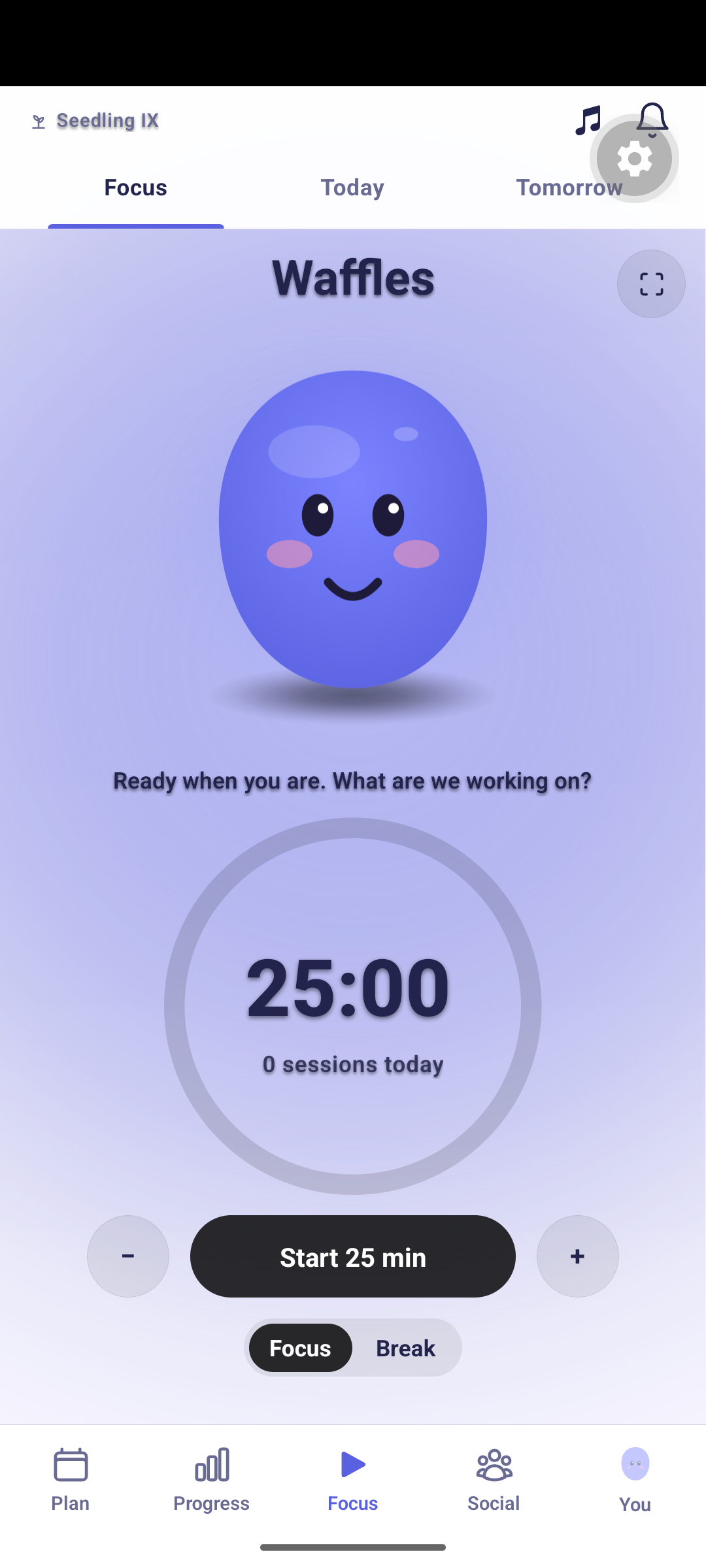
Focus is the home tab. Yappie stands in the middle with a one-line status under it, and below that sits the countdown ring with a − and + either side, a Focus / Break switch, and the Start button, which carries the length you chose (Start · 25m).
While nothing is running, a small line under the ring counts the sessions you have finished today.
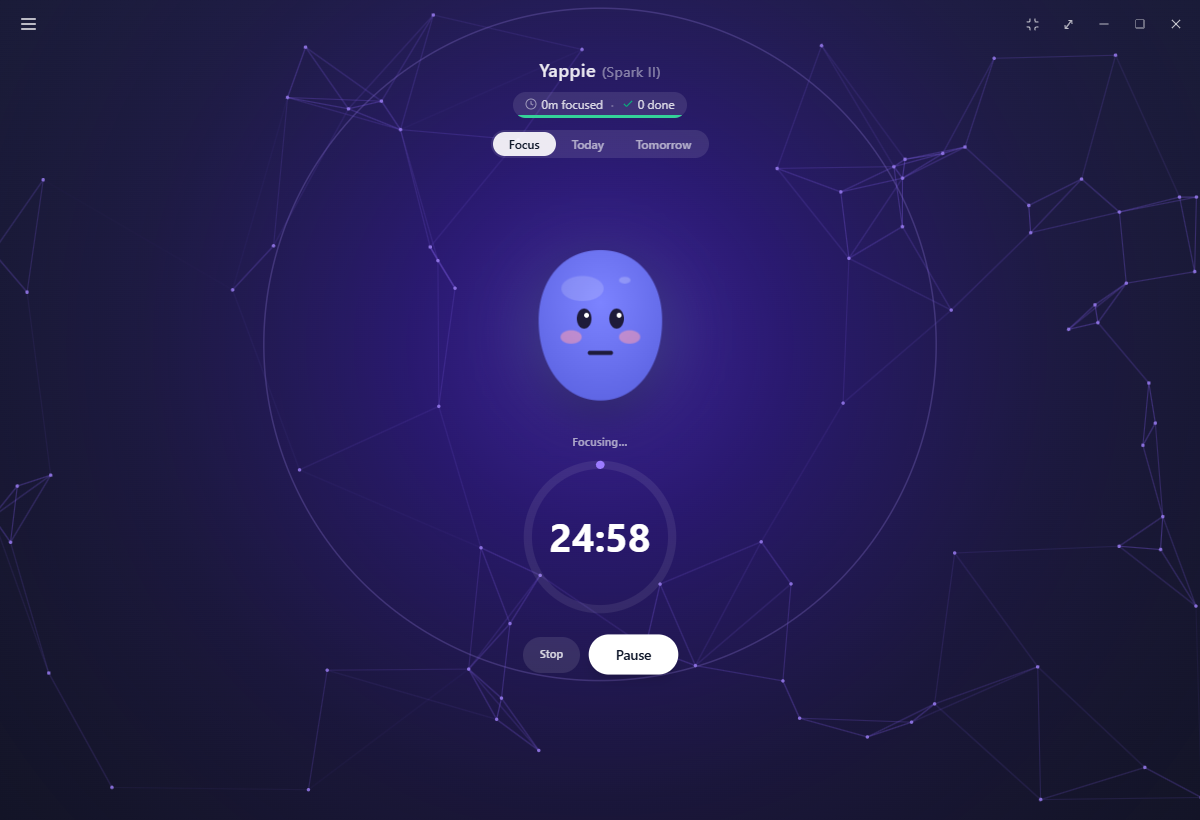
The clock itself runs in the background process, not in the window. Switch tabs, open a menu page, minimise Yappie or pop it out, and the session carries on exactly as it was.
Lengths
A focus runs from 1 to 90 minutes. A break runs from 1 to 30. New accounts start at 25 and 5, and you change those defaults under Settings → General, where the same limits apply. The minute box on a task or a step accepts the same 1 to 90.
The Focus / Break switch only matters while you are idle with nothing attached. It decides whether Start counts down a focus or a break.
Focusing on a task
You can point a session at something specific. Press the ▶ beside a step on Today (or beside a task that has no steps) and it becomes the attached item: the ring previews that item's own minutes instead of your default, and a line under the ring reads Focusing on: with its name. A small icon beside it detaches again.
Focus with nothing attached and the minutes still count. They land in your Unsorted focus bank, where you can put them on a task later, or leave them as free focus.
Breaks
Nothing ever starts on its own. When a focus finishes, Yappie offers a break and waits: "Nice work! Take a break?", a length with − and +, then Skip or Start break.
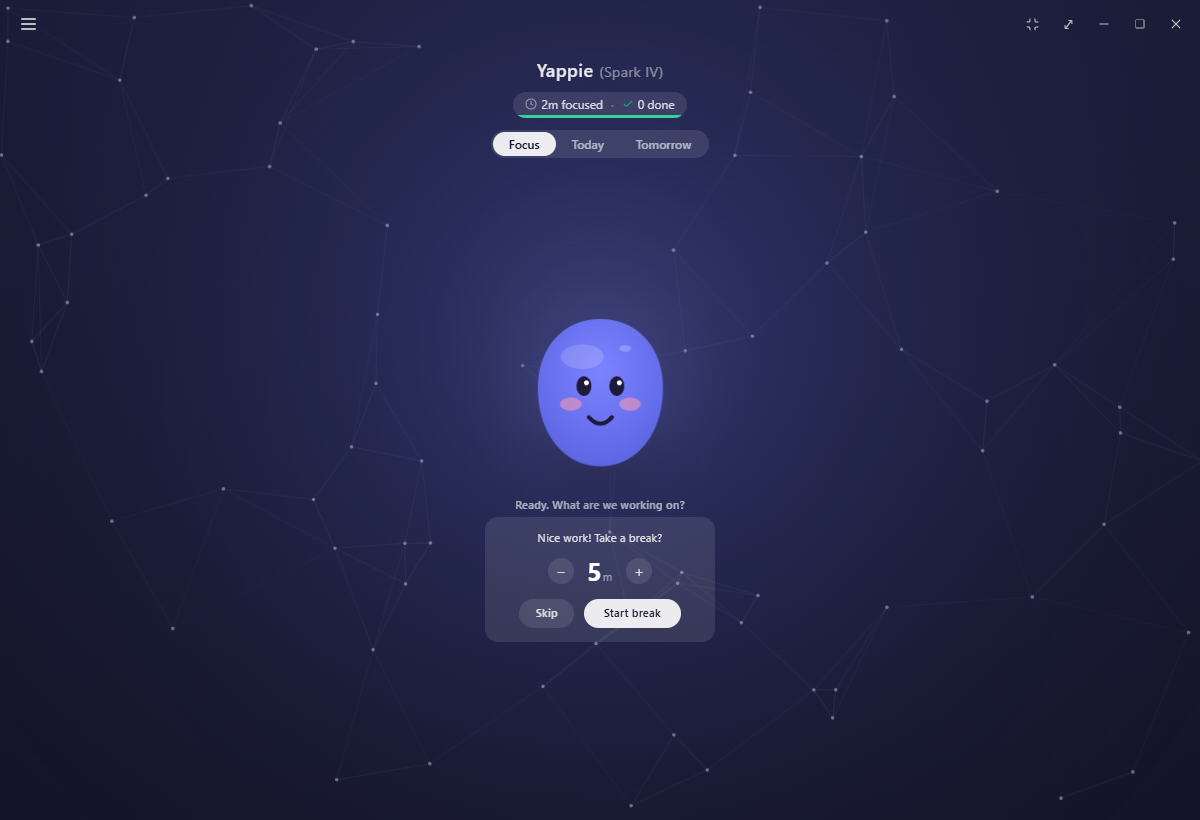
The suggestion is worked out for you rather than set in Settings:
- A short break is the length of that focus divided by five, never shorter than 5 minutes and never longer than 10.
- Every fourth focus in a row offers a long break instead, sized from the total of those last four sessions divided by five, between 15 and 40 minutes.
- Either way you can dial the offer down to 2 minutes, or up to one and a half times what was suggested.
Skipping costs nothing. The count toward the next long break carries on regardless.
Nothing you focus is ever lost
This is the part worth knowing, because it changes how freely you can use the timer.
Stopping early. Press Stop and the elapsed minutes are kept. With nothing attached they go to Unsorted focus. With a task attached, that task splits in two: a ticked done part carrying the minutes you actually focused, and a remaining part with what was left, still open and waiting.
Un-ticking, deleting, editing down. Time a real session measured, and time you poured in from the bank, are both genuine. If you un-tick the task, delete it, or edit its logged time downward, those minutes move back into Unsorted focus rather than disappearing. Only the part you typed in as an estimate and ticked by hand comes back off, because that part never happened on a clock.
Crashes. If the app or the machine goes down mid-session, Yappie writes the elapsed time to disk as it runs, and banks it to Unsorted focus the next time you open it, with a note saying how much it saved.
Quitting. Every quit route asks first, including the tray, the window's close button, and installing an update. Keep focusing really keeps focusing, and the update waits. Quit anyway ends the session there, and that unfinished stretch is not credited, so Stop is the kinder way out.
One device at a time
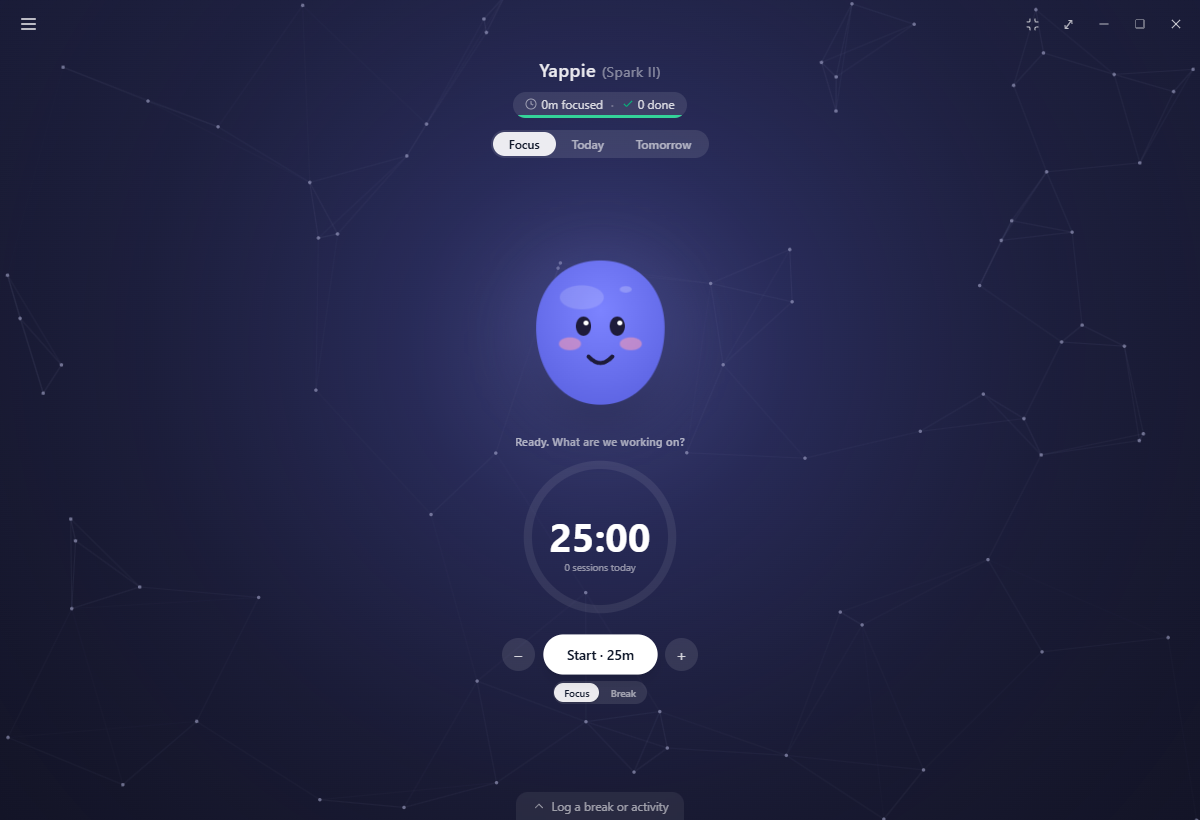
Only one signed-in device may focus at once, so the same minutes cannot be counted twice. If another one is mid-session, Start dims here and explains why. A Cancel that session and start here link offers a take-over, behind a confirmation so a stray click cannot end somebody's afternoon.
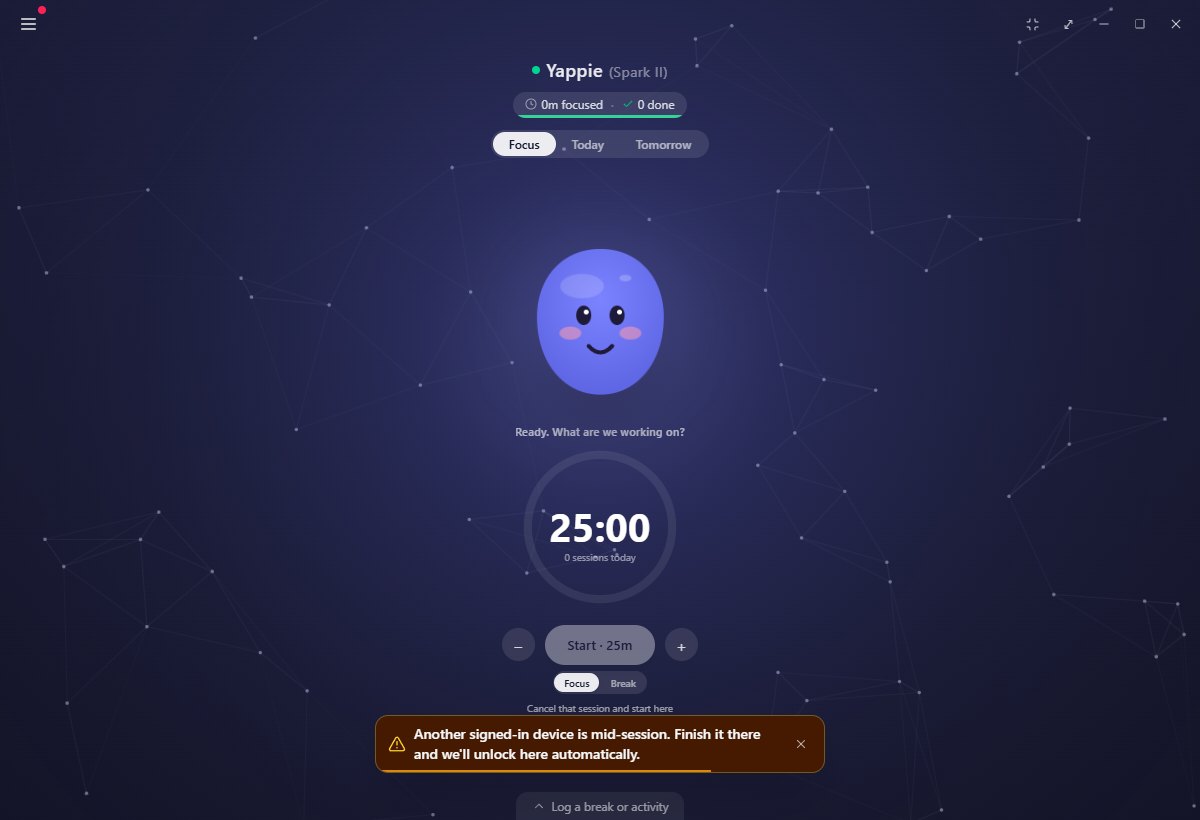
Your device tells the server it is still going once a minute for as long as the session lasts, and the server allows five missed beats before it lets go. A closed lid or a flaky connection will not cost you the lock, and opening Yappie again releases anything the last run left behind.
On a day off
If today is time off, the Focus tab puts the timer away entirely. Yappie sits alone with "You're on time off today, go enjoy it buddy!", a pill naming which kind of break it is, and one button: Actually, I want to work.

On mobile
Mobile carries the same timer, with the same 1 to 90 and 1 to 30 limits and the same Unsorted focus bank behind it.
Related
- Today is where tasks and steps come from, and where the ▶ lives.
- Unsorted focus explains the bank in full, including the window past midnight.
- Breaks & activities you log covers rest you took away from the timer.
- What a rest day looks like walks through everything else that changes on a day off.
Last updated 21 de outubro de 2026