Focus & tasks
Breaks & activities you log
The bottom drawer that records a coffee, a walk, a call or a whole day off so they still count.
Not everything that counts happens in front of the timer. You make a coffee, you walk to the shop, you ring your sister. Yappie has one place to say so, and it treats those minutes as real.
Opening the drawer
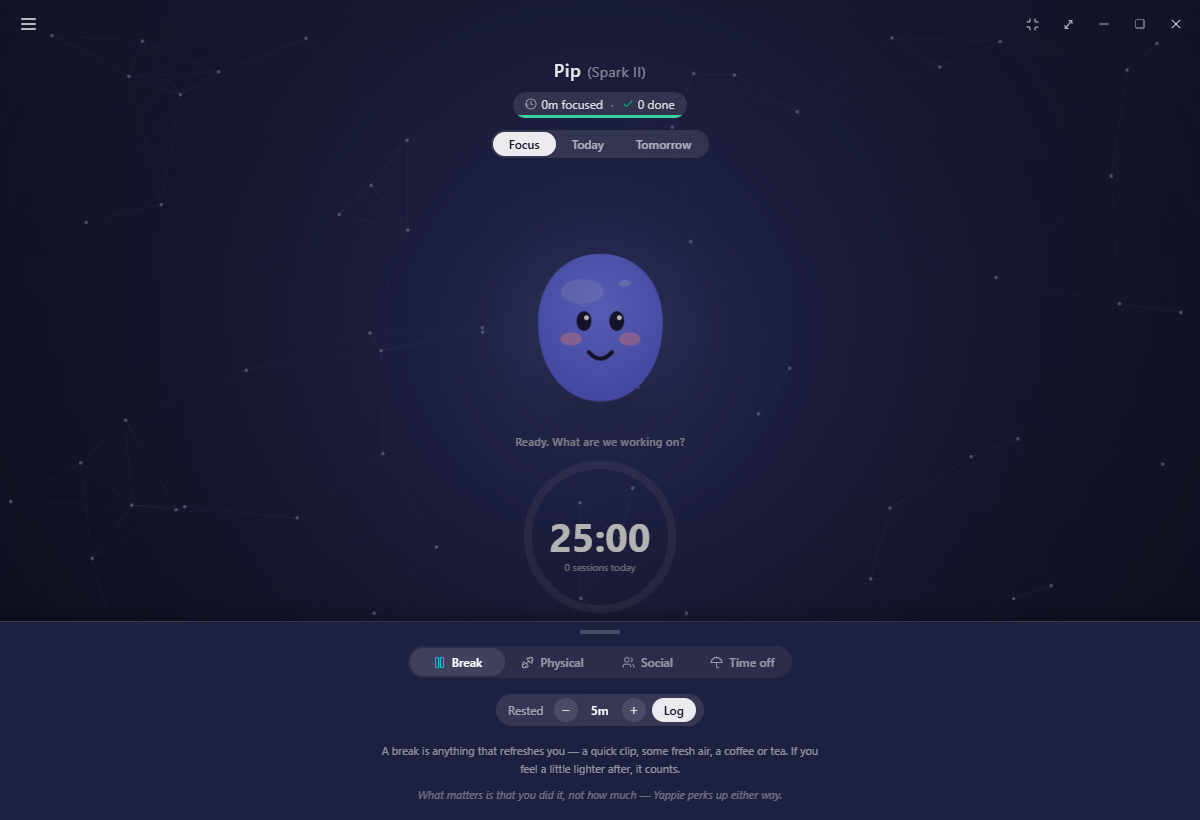
At the very bottom of the Focus tab there is a slim handle: Log a break or activity. Click it and a drawer slides up over the page.
It is deliberately only there when it can be useful. The handle disappears while a session is running, while a break offer is on screen, while a menu page is open, and on a rest day, when the calm Focus screen owns the bottom of the window.
The four tabs
Break is the default and the one you will reach for most. Anything that refreshes you: a quick clip, some fresh air, a coffee or a tea. If you feel a little lighter afterwards, it counts.
Physical is any movement at all. The gym, a sport, a run, a home workout, yoga, a plank, walking or cycling to the shop, a swim, a stroll.
Social is any time with your people. Family, friends, colleagues, your dog or your cat. In person, or a message, a call, or a video chat.
Time off only appears when today could still be declared a day off. More on that below.
Each tab carries its own short note about what counts, and the same reminder underneath: what matters is that you did it, not how much.
Logging one
The form is one line. Set the minutes with − and +, then press Log. Each tab remembers the length you used last time, so a five-minute break stays a five-minute break.
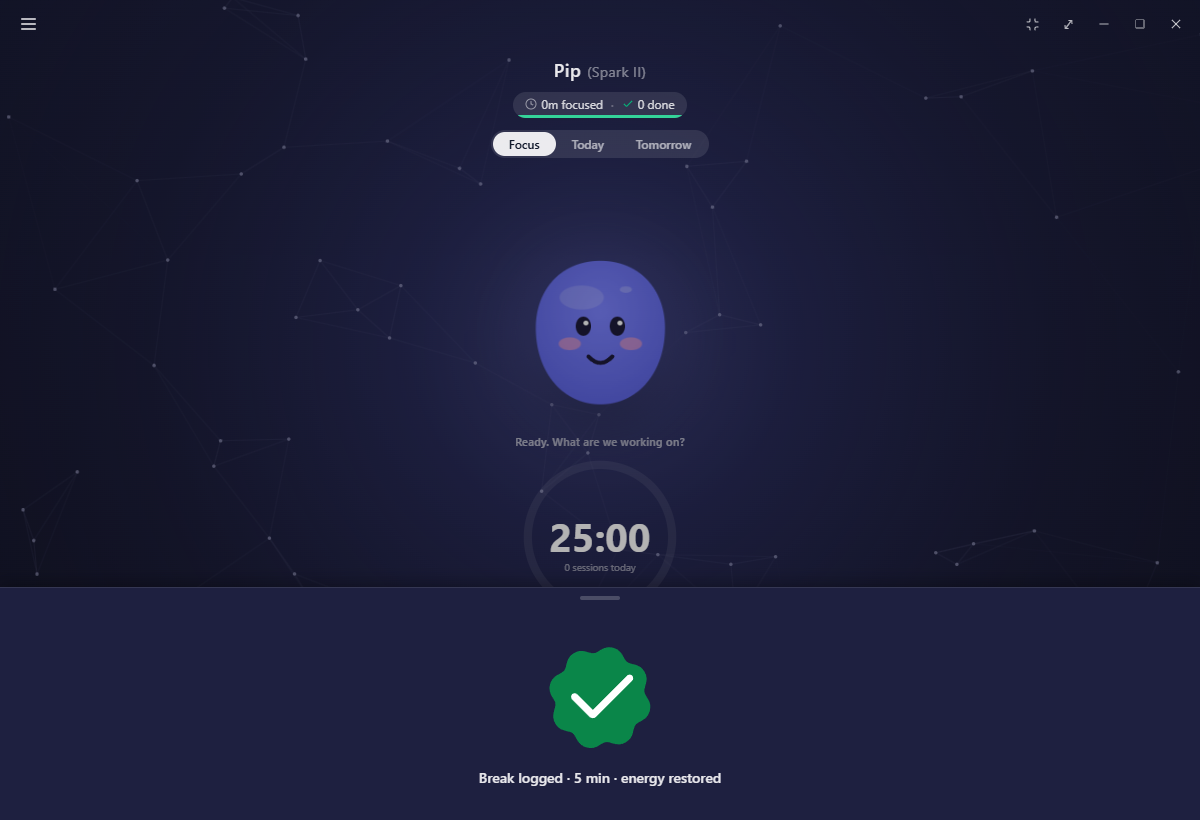
The drawer then swaps its whole body for a green checkmark and the confirmation under it ("Break logged · 5 min · energy restored"), holds it for a moment so you can read it, and rolls itself back down. Nothing pops up anywhere else.
What each one does
All three restore energy at four points a minute, which is double the rate energy comes back from being away. A five-minute break is worth twenty points; a lunch you tell Yappie about beats a lunch you do not.
Beyond that they part ways:
- A break tops up energy, adds to your rest total on the charts, and counts toward the rest badges in the Hall of Glory.
- Physical activity credits the Body track.
- Social time credits the Social track, and it is by far the biggest lever on it. Focusing alongside somebody adds a trickle; an hour with a real person does not compare.
All three also place a star in the day's sky. Resting and moving and being with people are things you did, exactly like finishing a task.
None of this is verified, and it is not meant to be. The point is to nudge you toward the thing, not to score it. Yappie takes your word.
The Time off tab
The fourth tab is a single button, Mark today as time off, and it files today as a one-off leave, effective right away. Your streak is kept safe, the app goes quiet for the rest of the day, and the Focus screen changes to its calm state.
It only shows up when it could actually do something, so it is hidden once you have focused or ticked anything today, once today is already time off, and once you have tapped Actually, I want to work.
Logging a break, a walk or a phone call does not hide it. You are allowed to stretch on a day you would still like to call a day off.
Related
- Focus sessions covers the breaks the timer itself offers between cycles.
- Yappie's energy explains the battery all of this is filling.
- Taking time off is the full page behind that fourth tab.
- My sky is where the stars end up.
Last updated October 21, 2026