Friends & groups
Friends & co-focus
Add friends by code, see what they choose to share, and settle into a shared session.
Friends turn solo focus into gentle company. Add the people you trust, share as much or as little as you like, and settle into a shared session when you both have time.
Friends and co-focus need a free, signed-in account. They work through the cloud, so your list follows you across Desktop, Mobile and Web. Cloud sync is free; what a paid plan raises is how many devices stay signed in at once.
Adding a friend
Friends connect through a short invite code, so nobody has to go looking for you by email.
- Open Friends and copy your invite code.
- Share it with someone, or paste their code into the add box to send a request.
- Wait for them to accept.
Requests you receive do not land here. They arrive on Notifications, and the Friends page carries a line pointing you there. Accept one and that person appears in your list straight away.
What a friend's row shows
Each row draws that friend's own Yappie in its real colours, breathing and blinking, beside their name and whether they are online, offline or focusing right now. Next to it sits whatever they have chosen to share: their level, their streak, their weekly focus minutes, and what they are working on.
If a row looks sparse, that person has turned something off. Friends see most of these to begin with, but every one of them is a switch, for them and for you. Yours live in Settings → Social, and the Social & Privacy settings link on the Friends page goes straight there. Privacy & cloud sync has the whole grid.
Their profile
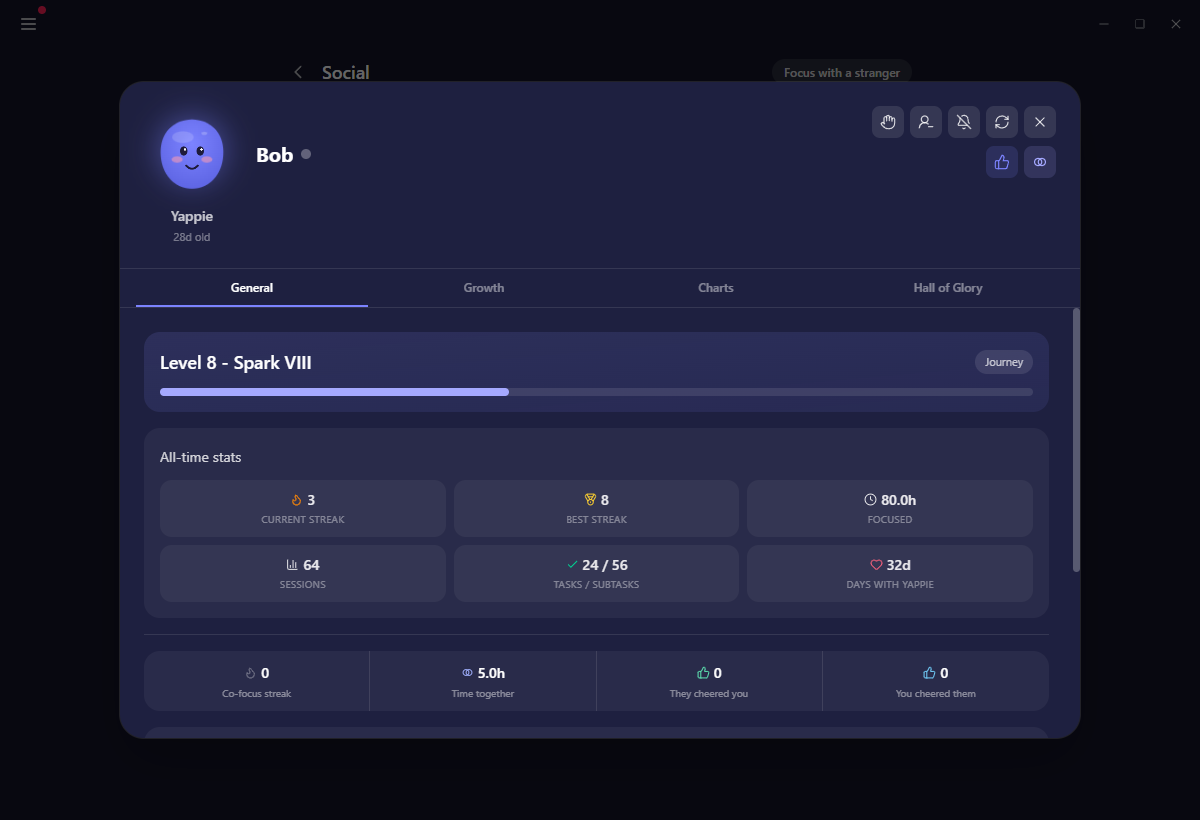
Clicking a friend, a group member, or a name in a notification opens their profile: a large dialog with four tabs, General, Growth, Hall of Glory and Charts.
General is the one worth lingering on. Alongside their pet, its age, their level and their title, it shows the two of you together: days with Yappie, your co-focus streak, time together, how many cheers went each way, and a chart of how much you have co-focused over the weeks.
What you can see is decided by their privacy settings, not yours. A tab they keep private reads "This part of their profile is private." Their Charts are the same cards as your own, worded in the third person, and the spider chart offers Compare with mine.
Focusing together
Focus together, on a friend's row or in their profile, invites them to a shared session of a length you pick.
- Choose a length and send the invite. They have five minutes to answer.
- They can accept, or decline with a reason: busy, not up for focusing, later, or a counter-proposal for a longer or shorter sitting.
- Once one of you joins, the other has sixty seconds to join too. Neither timer starts until you are both in.
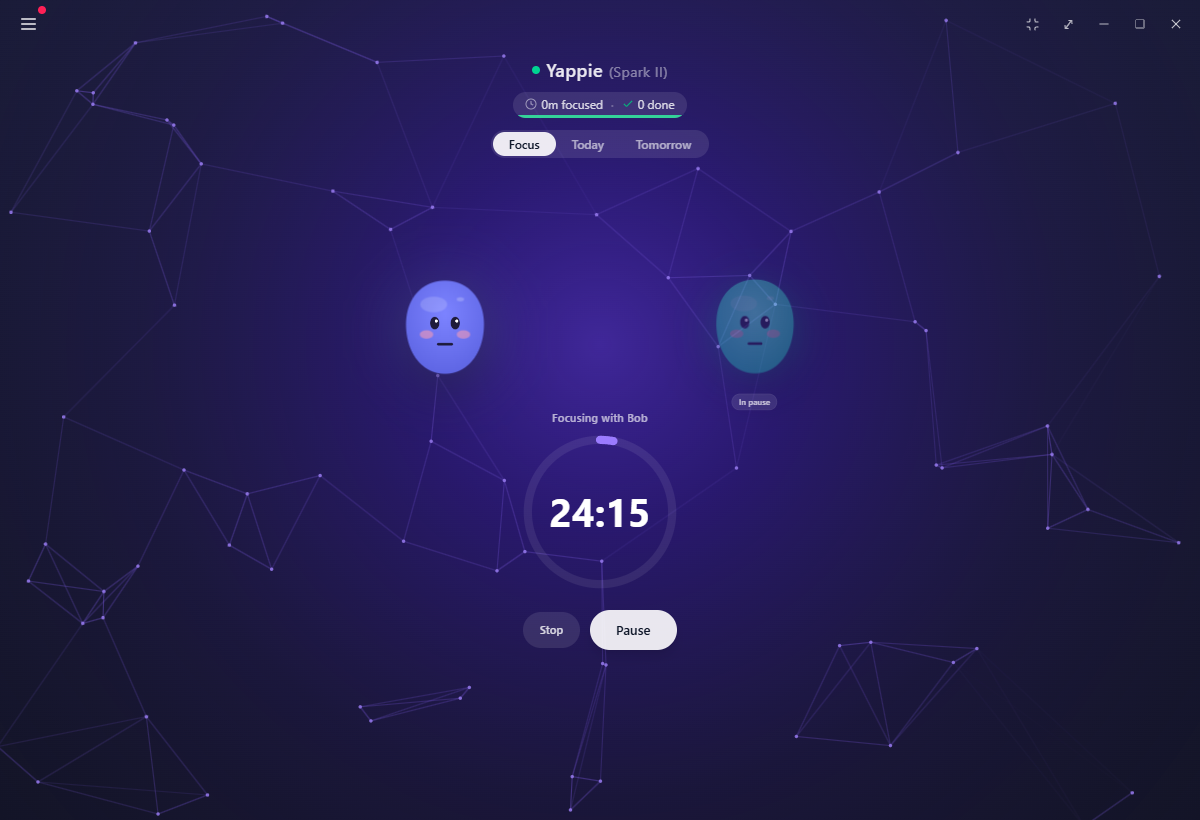
While it runs, both pets sit side by side on your Focus page, and the pop-out companion shows the pair as well. If one of you pauses, the other's pet dims with an In pause badge. No alarm, only a quiet signal that somebody has stepped away.
You cannot accept an invite while your own session is running. Yappie says "Finish your current session first to accept" and leaves the invite waiting in Notifications.
Only the time you were both actually present counts as shared focus. If they drop out at minute two of a fifty-minute sitting, you are credited for the two you shared, and the rest is yours alone.
Past sessions are listed with how long each of you spent, and that history is what feeds the co-focus chart and streak on their profile. If a friend declines twice in a row, Yappie asks you to leave it half an hour before inviting them again.
Two ways of focusing alongside somebody need no account at all: focus with a friend, where you share a link, and focus with a stranger, where Yappie sits you with whoever is waiting. Both run in a browser with nothing to install. Signing in is what makes the time count toward your growth.
Muting, unfriending and blocking
- Mute is per kind. Quiet their cheers, quiet their co-focus invites, or both. The friendship carries on as it was.
- Unfriend removes the connection. Your cheer history together is kept, and every hour you spent co-focusing still counts toward your own focus time and sessions.
- Block is the firm one, and the confirmation spells it out point by point: you stop being friends, they cannot see your profile, they cannot send you a friend request and you cannot send them one either, they cannot join any group you own, you can still see their profile, and your shared co-focus history is kept.
Reach for these whenever a connection stops feeling calm. They are there so your focus space stays yours.
Signed out, or offline
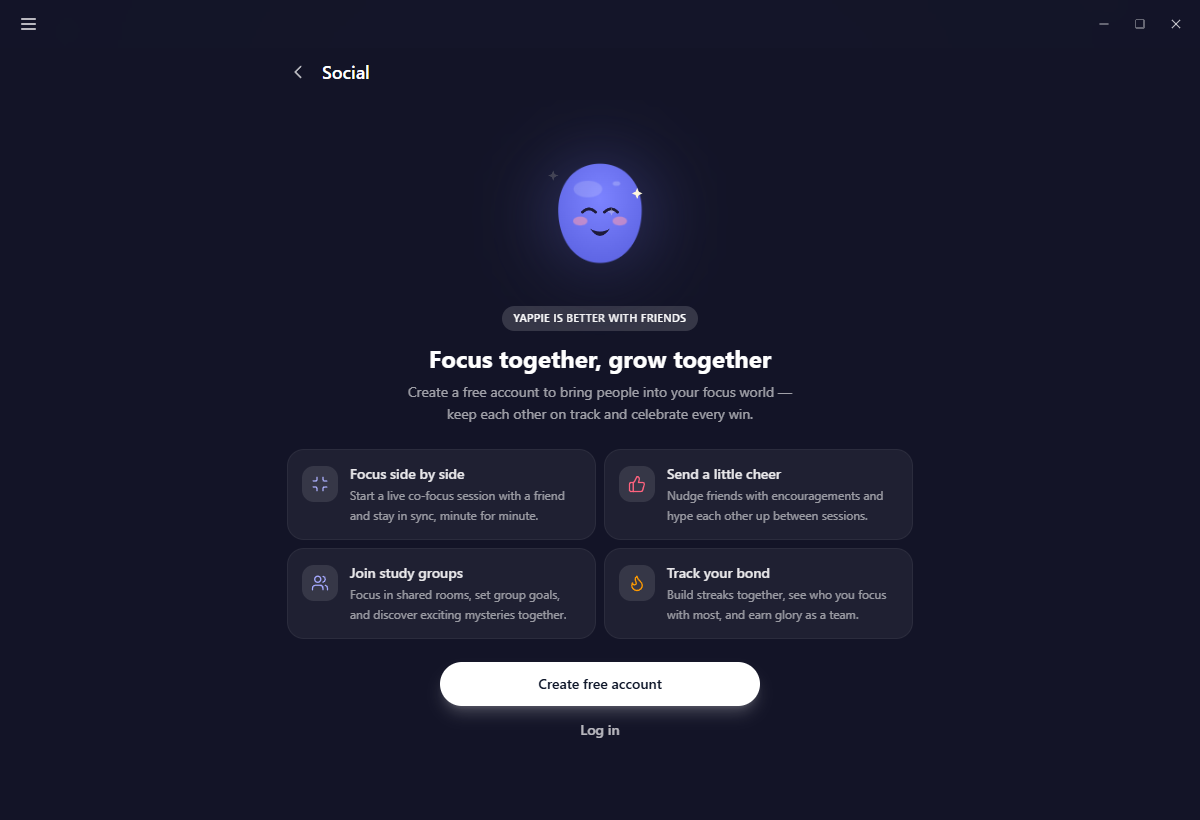
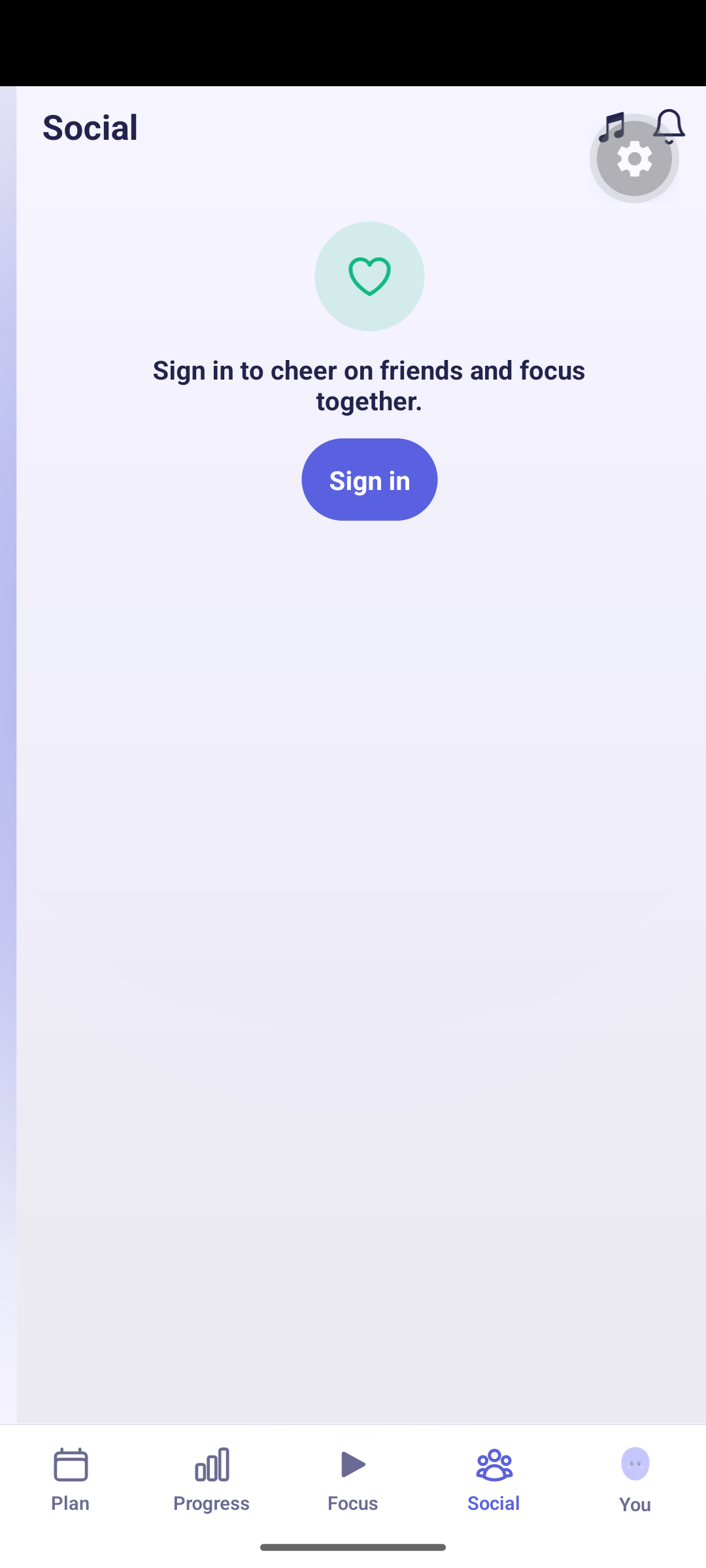
Signed out, the whole Social area becomes a short introduction to what focusing together is for, with a Create free account button. Offline, your last saved list stays on screen behind a red banner and comes back to life when the connection does.
Related
- Cheers sends a friend a short note without breaking anyone's focus.
- Focus with a stranger does the same thing with somebody you have never met.
- Notifications is where friend requests and invites wait for you.
- Privacy & sync covers what each audience can see.
Last updated October 21, 2026